
Dial pad
You can use the dial pad for making or transferring phone calls or sending Dual Tone Multi-Frequency (DTMF) tones during a call.
To open the dial pad, click the + icon and select Make a call:
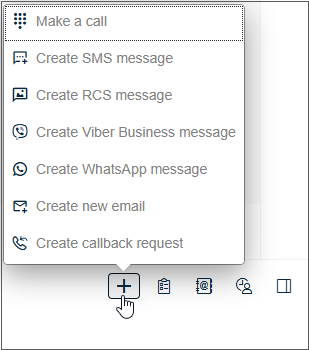 The
Make a call popup opens:
The
Make a call popup opens:
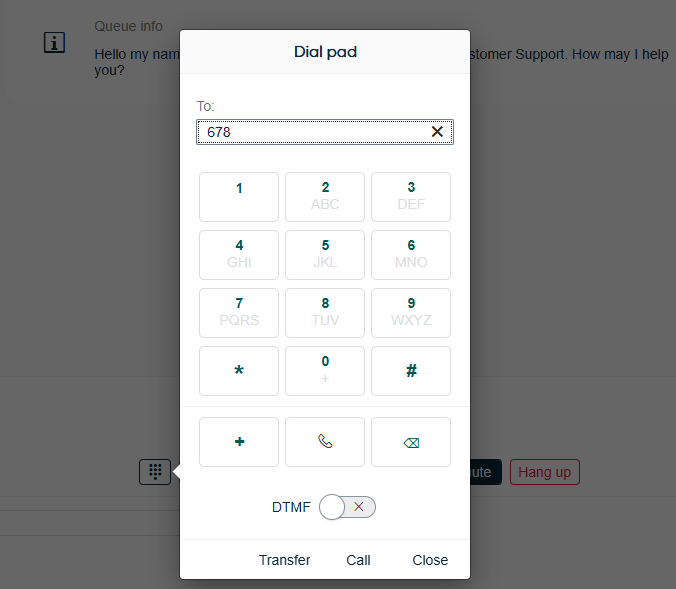
The Make a call option in the + menu is enabled if you have phone permissions, and the buttons in the dial pad are enabled depending on your authorized permissions:
- The Call buttons are enabled when you have entered a phone number in the field.
- The Transfer button is enabled when you have an active call, and you have entered another phone number in the field.
-
The Close button is always enabled. It closes the dial pad.