
Send DTMF tones during active calls
While on a call, you can use the dial pad to send DTMF (Dual-Tone Multi-Frequency) tones—these are the sounds used to interact with automated systems like IVRs for choosing a menu option or entering a PIN. Each number you press sends a separate tone to help navigate such menus or inputting of numbers.
-
Click the DTMF toggle switch to enable DTMF mode.
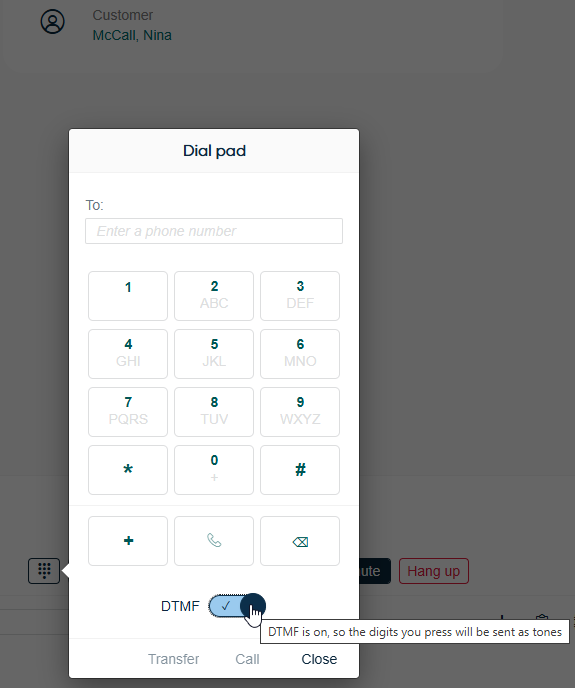
The DTMF state is remembered automatically. It will stay active each time you open the dial pad until you toggle it off.